A Claude Code workspace for Windows and Linux DockTerm runs on Windows 10 and 11 and on Linux (x86-64 AppImage), as well as macOS. It gives Claude Code a real terminal with panes, a diff view, Git commit and live subagents, and on Windows and Linux munu shows Claude’s prompts as a small pill on screen. It is free and open source.
Install on Windows Download DockTerm-<version>-Windows.exe from the latest release . The Windows build is not signed yet. If SmartScreen appears, choose More info, then Run anyway. It installs for your user, no admin needed. Open a project and run claude. You need Claude Code installed and signed in on that PC. Install on Linux On Wayland, the desktop decides where windows appear, so munu may not sit exactly where you pin it.
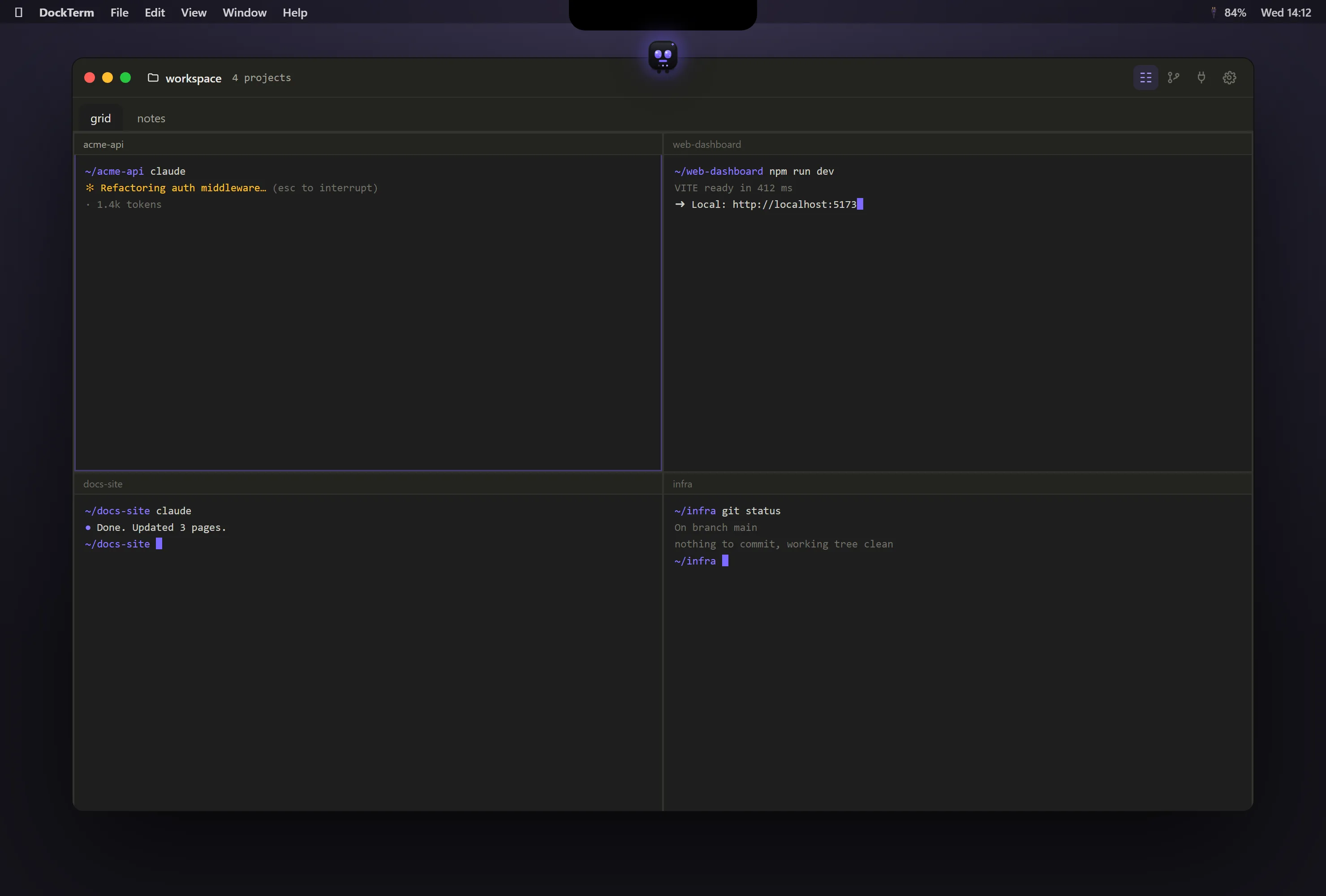
Download DockTerm-<version>-Linux.AppImage from the latest release . Make it executable with chmod +x DockTerm-*.AppImage, then run it. Open a project and run claude. What you get on every platform Tabs, splits and grids, a project per pane. A diff view and Git commit inside the window. Live subagents and token usage over the last 5 hours and 7 days. Ten themes, light and dark, and in-app updates. No account and no telemetry. DockTerm with four terminal panes, a different project in each Common questions Does DockTerm work on Windows? Yes, on Windows 10 and 11. The build is not signed yet, so SmartScreen may ask you to confirm the first time.
Does DockTerm work on Linux? Yes. It ships as an x86-64 AppImage. On Wayland, munu may not sit exactly where you pin it.
Is the notch feature on Windows and Linux too? Those machines have no notch, so munu shows Claude’s prompts as a small pill on screen instead.
More guides Run Claude Code, then go do something else.
Free · open source, MIT · macOS, Windows, Linux