Claude Code · Desktop
Run Claude Code, then go do something else.
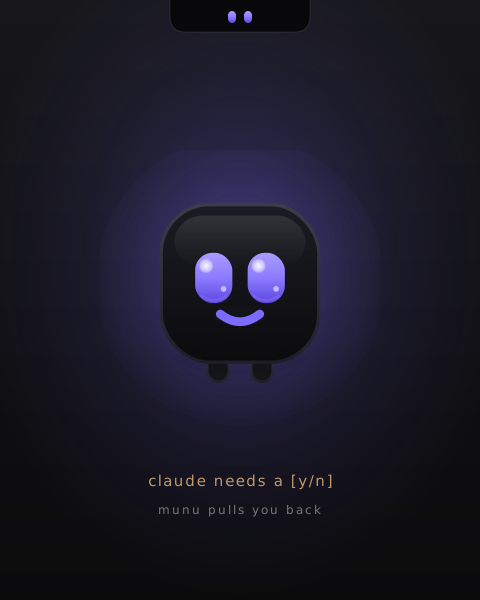
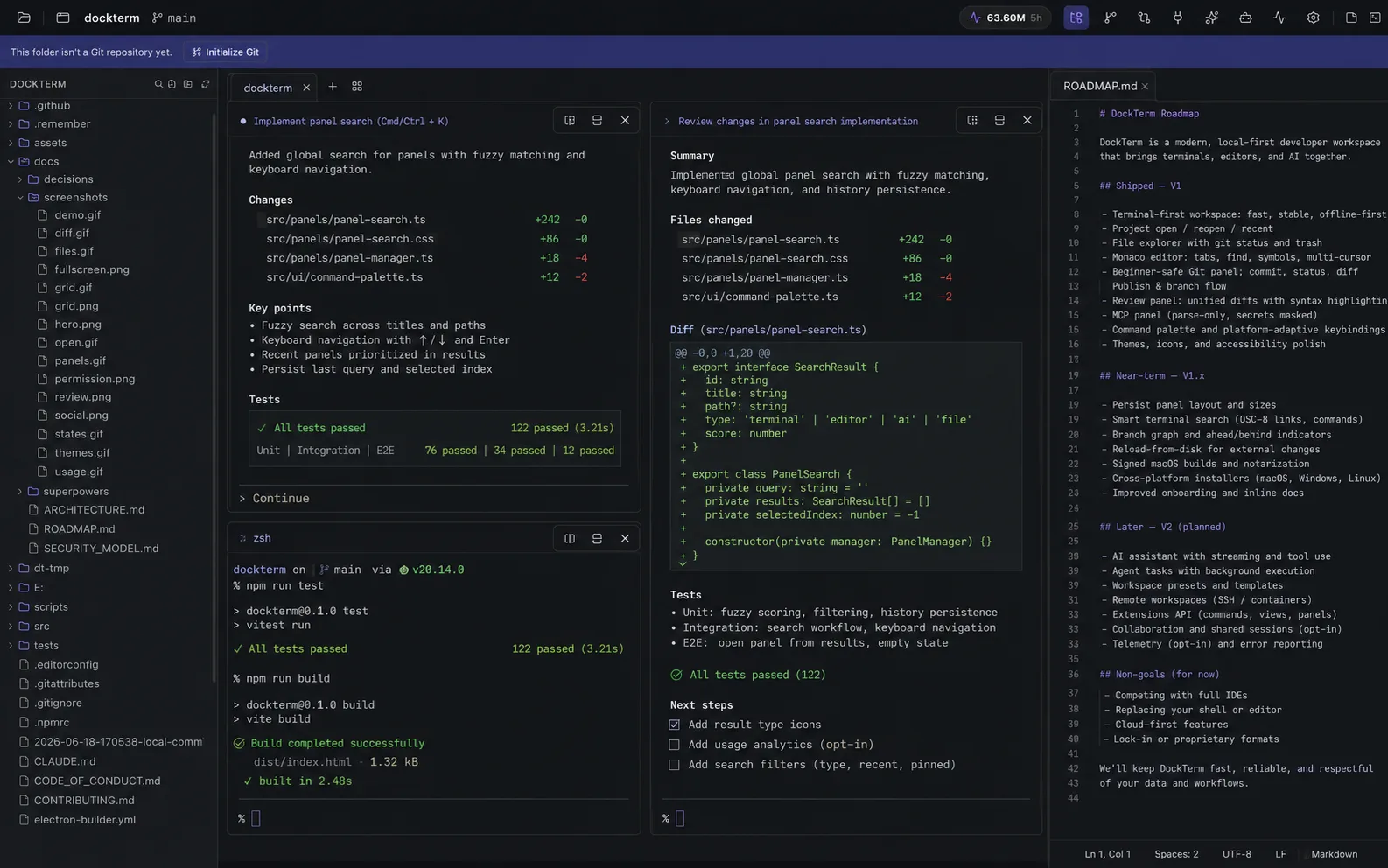
DockTerm keeps your real claude session central and brings diffs, safe Git, files and MCP in on demand. munu, its notch mascot, pulls you back the instant Claude needs a [y/n], even over a fullscreen app on another desktop.
It runs alongside your terminal emulator rather than replacing it. See how DockTerm fits next to your terminal.
- Local-only
- No telemetry
- MIT
- Your real claude session
| Developer | Moon Labs |
|---|---|
| Platform | macOS, Windows, Linux |
| Price | Free, open source (MIT) |
| Category | Developer Tools |
| Page updated |
The one thing nothing else does
Walk away. munu catches the prompt, even over a fullscreen app.
Reads the terminal, not your config
munu infers Claude’s state straight from the terminal output. Nothing hooks into the SDK and nothing edits ~/.claude, so it works on any claude session with zero setup.
Finds you over a fullscreen app
When Claude hits a permission prompt, munu floats it over whatever you’re doing, including a fullscreen video on another desktop, and you answer in one click without tabbing back.
Never answers for you
munu only ever surfaces the prompt. It never answers in your place and makes no AI calls of its own, so a missed detection costs a notification, never a wrong action.
munu, at a glance
A face that only appears when it matters.
 resting
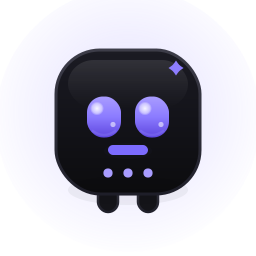 working
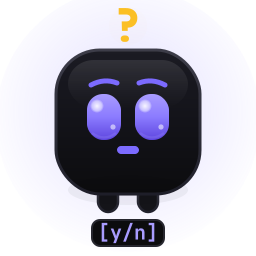 needs you
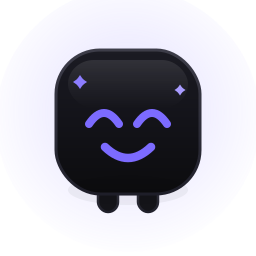 done
done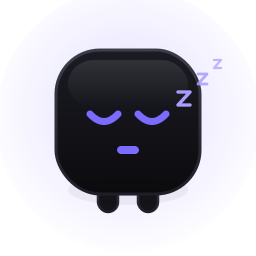 no project
What you get
The terminal stays the main thing. Everything else comes in on demand.
A real terminal
xterm.js on a native PTY: your real shell. Tabs, splits, grids, true-color, search, and instant native scrolling.
munu, the notch mascot
Reads Claude’s state from the terminal and surfaces the permission prompt from your notch (a pill at the top on Windows/Linux).
Diff review + safe Git
See exactly what Claude changed, then stage and commit, with confirmations on the risky actions that show the exact command they’ll run.
Usage limits, live
A panel and a top-bar pill show how much of your rolling 5-hour and weekly windows remain, and when each resets. Read locally from your own history.
MCP, skills & agents
Read-only views of your MCP servers (connectors + plugins), skills and subagents, with secrets masked to key names. Never executed.
A project per pane
A grid where each pane is a different repo; focus a pane and the side panels follow it. Plus 10 themes and whole-UI zoom.
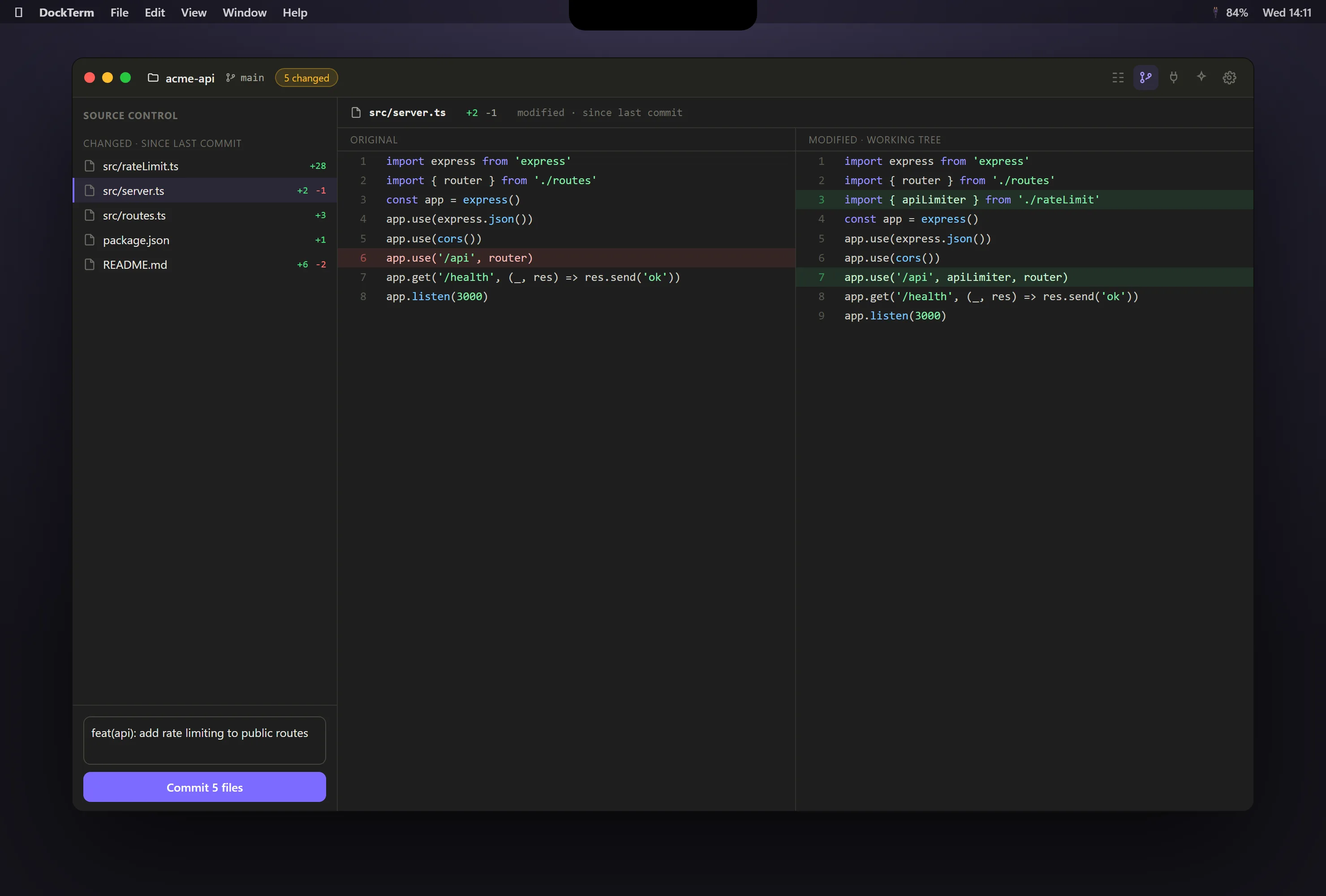
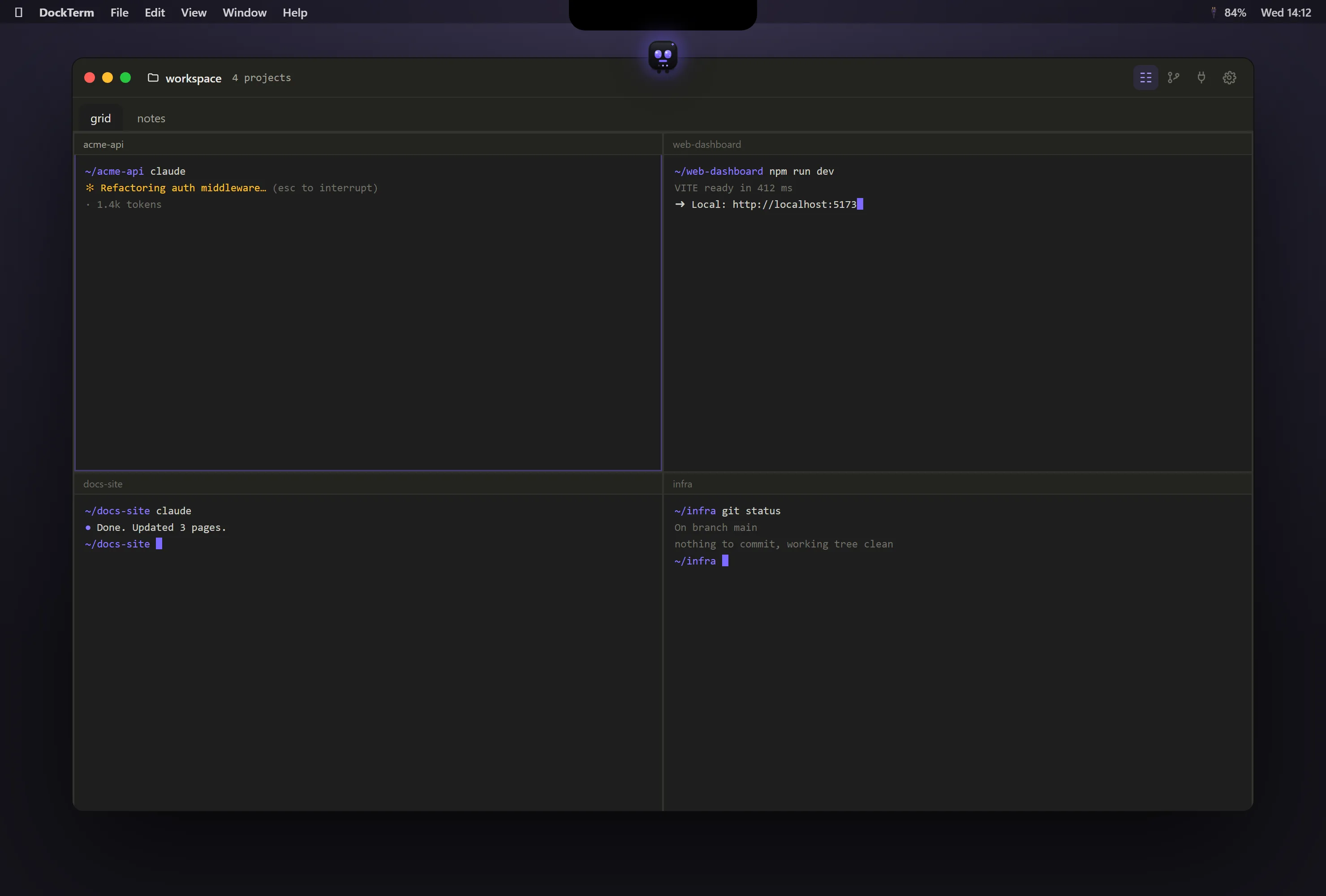
Honest by construction
- Platforms
- macOS · Windows · Linux
- Signing
- macOS signed & notarized
- License
- MIT, open source
- Network
- Local-only · no telemetry · no AI calls of its own
DockTerm never calls an AI itself — Claude Code is the AI. There are no accounts, no cloud sync, and no stored tokens. Built and maintained with Claude Code.
When Claude stops
Common questions
How do I know when Claude Code needs my permission?
- munu, DockTerm's notch mascot, reads Claude's state from the terminal and surfaces the prompt the moment it appears, so you can answer in one click.
Can I be notified when Claude Code is waiting, even inside a fullscreen app?
- Yes. munu floats the prompt over whatever is on screen, including a fullscreen app on another desktop, so you never have to tab back to check.
Does DockTerm ever answer Claude Code's permission prompts for me?
- No. munu only surfaces the prompt and never answers in your place, so a missed detection costs you a notification, never a wrong action.
Do I have to change my Claude Code setup to use DockTerm?
- No. munu infers Claude's state from terminal output. Nothing hooks the SDK and nothing edits ~/.claude, so it works on any claude session with zero setup.
Is DockTerm free and open source?
- Yes. DockTerm is MIT licensed and free, with signed macOS builds, a Windows installer and a Linux AppImage on its GitHub releases page.
Does DockTerm send my code anywhere?
- No. DockTerm is local-only with no accounts and no telemetry, and it never makes AI calls of its own. Claude Code is the only thing that talks to a model.
Wondering how DockTerm sits next to the terminal you already use? See what DockTerm is not.
Get it
Download DockTerm and let Claude keep working while you step away.
Free · open source · made for Claude Code