
Privacy
GLOWAI / FIELD NOTE
Face scan privacy: what actually happens to your photo
GlowAI does not analyze your face on your phone, the photo is uploaded, analyzed, and stored until you delete it. Here is exactly who touches it, and for how long.
Does the photo leave your phone?
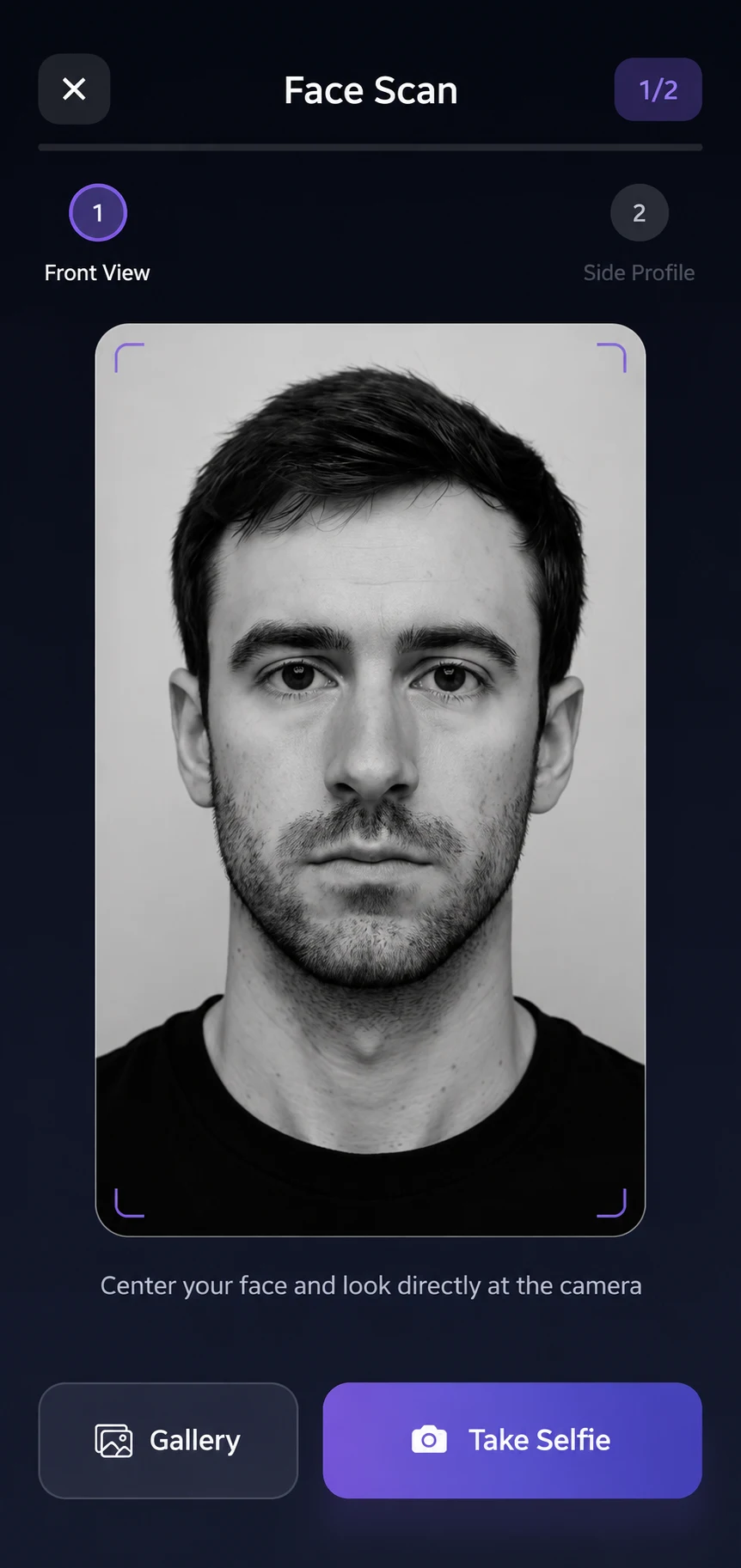
Yes. GlowAI is cloud-processed, not on-device, and this page will not pretend otherwise. The two photos you capture, a front shot and a side profile, are uploaded over an encrypted connection and sent to Google Gemini for the facial-geometry and skin analysis.
Per Google’s API terms, Gemini does not retain your face images: processing is transient, the images are sent only for that one analysis request, and they are not stored on Google’s systems. The photos and the results that come back are then stored in your GlowAI account, in Google Firebase, encrypted with HTTPS in transit and AES-256 at rest, until you delete them.
What is stored, and for how long?
Rather than a vague “as needed,” the privacy policy publishes a retention period for every category of data. Reproduced here unchanged:
| Data category | Retention period |
|---|---|
| Active accounts | Retained for account lifetime |
| Scan history (including facial images) | Until deleted by user |
| Coach chat history | Until account deleted |
| Usage analytics & diagnostics | Up to 14 months, then aggregated or deleted |
| Deleted accounts | Erased immediately |
The line that answers this page’s question directly: face images and analysis results are stored until you delete the individual scan or your account. Nothing about a scan outlives that by default.
Does the scan train a model?
The harmony score itself is not produced by a model that learns from photos in the first place, it is a deterministic geometry calculation. Facial landmarks in, 75 geometric measurements out, each metric compared against a published range. There is no rater sitting behind it to train.
The one place a model actually runs is Google Gemini, for the skin-feature observations, the personalized recommendations and the Coach chat. Per Google’s API terms, that transient, not-retained handling is what the policy documents for your face images specifically. It does not make the same explicit non-retention commitment for Coach chat messages, which are also sent to Gemini, treat that half as unconfirmed rather than assumed.
One honest gap: the privacy policy does not currently make a separate, standalone commitment that photos are never used for model training, beyond that API-terms language. If that distinction matters to you, it is a fair question to put directly to any app, GlowAI included, rather than assume from silence.
How do you delete it?
Two levels, and they work independently of each other.
- Delete one scan. App → History → select the scan → Delete. This removes that scan’s photos and results without touching your account or any other scan.
- Delete your account. App → Profile → Privacy & Security → Delete Account. This is immediate, no waiting period, no pending state. Your account, your facial images and every analysis result are erased in that action, and it cannot be undone.
There is also a full data export (App → Profile → Privacy & Security → Export data) if you want a copy before deleting anything. Full detail on both flows is in GlowAI’s account-deletion instructions and the complete privacy policy.
Not a medical device, not a dermatology service
GlowAI is not a medical device and not a dermatology service, and its terms of service say so directly. It measures facial geometry, 75 geometric measurements checked against published anthropometric ranges and standards, and it does not diagnose skin conditions. No dermatologist reviews a scan.
What to ask any face-scan app
This is the generalizable part, and it applies whether the app calls itself a looksmax tool, a skincare AI, or a face-rating app. Ask these six questions of any of them before you point a camera at your own face, GlowAI included:
- Does the photo leave the device, and if so, name the destination? "Our secure servers" is not an answer; a specific vendor and product is.
- Is third-party processing transient or retained, per that vendor's own API terms, not just the app's paraphrase of them?
- Is there a published, per-category retention table, or just "as needed" or "as long as necessary"?
- Can you delete one scan without deleting the whole account?
- Is account deletion immediate, or does it sit in a pending queue for days?
- Does the app say plainly whether it is a medical or diagnostic tool, or leave that ambiguous?
Few apps in this category publish a page that answers all six, which is why this one exists. A vague “we take your privacy seriously” is not an answer to any of them, a specific vendor name, a specific retention period, and a specific deletion flow are.
Common questions
Does GlowAI process face scans on my phone or in the cloud?
In the cloud. Your two photos are uploaded over an encrypted connection to Google Gemini for analysis, then stored in your account until you delete them.
Does Google keep the photos GlowAI sends it?
No. Per Google's API terms, Gemini processes each image transiently for that one analysis request and does not retain or store it on its systems.
How long does GlowAI keep my face scans?
Face images and results stay in your account until you delete the individual scan or your account, there's a published table for every data category.
Can I delete one scan without deleting my whole account?
Yes. App → History → select the scan → Delete removes that scan’s photos and results without touching your account or any other scan.
How long does account deletion take?
It's immediate. Confirming deletion in Settings erases your account, facial images, and analysis results in that action, no waiting period.
Does GlowAI diagnose skin conditions or replace a dermatologist?
No. GlowAI measures facial geometry against published ranges; it is not a medical device, does not diagnose skin conditions, and no dermatologist reviews a scan.
Sources
These are the documents this page's claims point to, Google's own terms and infrastructure documentation for transient processing, storage and encryption, alongside GlowAI's full privacy policy, linked throughout.
- Google. Gemini API Additional Terms of Service. (opens in a new tab)
The published API terms behind the "processed transiently, not retained" claim about face images sent to Gemini for analysis.
- Google. Privacy and Security in Firebase. (opens in a new tab)
How Firebase Cloud Storage and Firestore handle and protect hosted data, the document behind this site’s storage claim.
- Google Cloud. Encryption in Transit in Google Cloud. (opens in a new tab)
Infrastructure-level documentation of transit encryption, behind the "encrypted in transit" half of this site’s encryption claim.
Next action
Get your harmony score. The first scan is free.
75 measurements, your PSL tier, and the three fixes that would move your score most.